
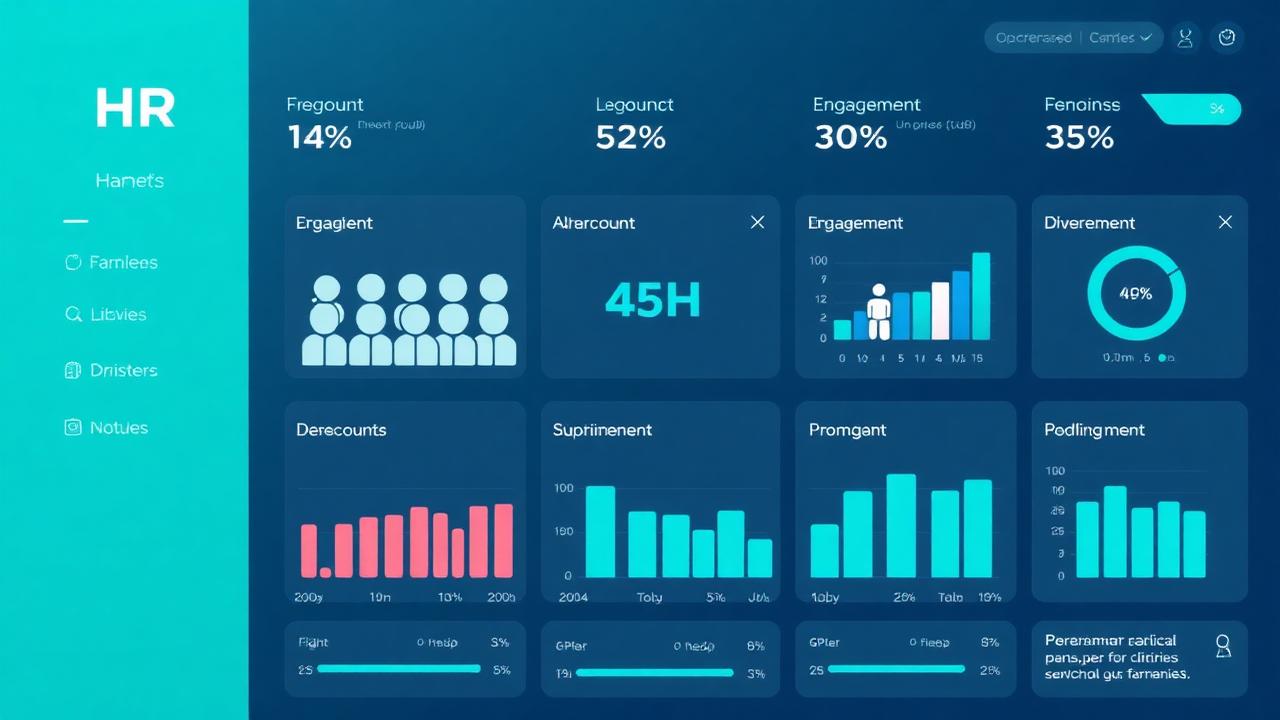
HR is the function we are asked about most often after finance, and for the same reason. The monthly people pack has grown into a fragile collection of spreadsheets, the HRIS exports do not quite agree with payroll, and the exec team wants headcount, attrition and engagement on a single page they can trust. Power BI handles all of this comfortably, but HR data comes with its own sensitivities, so the build needs care beyond what you would put into a finance dashboard.
Why HR teams move to Power BI
Most HR teams we work with start the same way — a HRIS like Workday, SAP SuccessFactors, iTrent or BambooHR, supplemented by payroll, an ATS for recruitment, and a survey tool for engagement. None of these talk to each other natively. Power BI sits across the top, pulling each into one model and giving the HRD a single view rather than four separate exports reconciled by hand each month.
What belongs on the HR dashboard
A working HR dashboard in Power BI usually has four or five pages, each aimed at a specific audience:
- Workforce overview — headcount, FTE, gender and tenure split, joiners and leavers in the period, with comparison to last year.
- Attrition and retention — voluntary and involuntary turnover rate, regrettable losses, attrition by team, manager and tenure band. This is the single most useful page for most HRDs.
- Recruitment funnel — open roles, time to fill, cost per hire, offer acceptance rate. Sourced from the ATS rather than the HRIS.
- Engagement and absence — survey scores over time, sickness absence rate, Bradford Factor where relevant.
- Diversity and pay equity — gender, ethnicity and disability splits at each grade, with pay gap analysis. The data needs the right governance before this page goes live.
Headcount is harder than it looks
Everyone assumes headcount is a simple number until they try to put it on a dashboard. Then the questions start. Do contractors count? What about people on long term leave? Is it headcount on the last day of the month or the average over the month? Does a part time person count as 1 or 0.5? Different parts of the business answer differently and they are all right for their own purpose. A useful HR model in Power BI captures both — headcount and FTE, point in time and average, with the contractor flag visible — so the dashboard can serve finance, operations and the people team without forcing them into one definition.
Privacy and access control matter more than in finance
HR data is special category personal data under UK GDPR, and the dashboard needs to treat it that way. In practice that means row level security so a line manager only sees their own team, suppression of small group counts where individuals could be identified, and a clear conversation with your DPO before the dashboard goes live. Diversity and pay data in particular should be aggregated to thresholds and never accidentally exposed at the individual level.
Where the data should live
Pulling Power BI straight from a HRIS rarely scales beyond the first dashboard. The right pattern is the same one we recommend for finance — land the data in a warehouse, model it properly, and let Power BI read from there. That way the same HR data is available to people analytics work, workforce planning models and any AI work you do later, without ten slightly different extracts.
From dashboard to people analytics
Once the descriptive HR dashboard is solid, the natural next step is people analytics — turnover prediction, hiring funnel analysis, engagement driver analysis, workforce planning. We cover that in more depth in our HR reporting and analytics guide. The dashboard is the foundation; people analytics is what you build on top of it.
Common mistakes to avoid
Three patterns we see go wrong. First, building the dashboard in the HRIS native reporting tool and only moving to Power BI when it falls over — the HRIS reporting is fine for operational lists but is not a serious analytics layer. Second, putting diversity data on a dashboard without governance and accidentally exposing protected characteristics at the individual level. Third, treating HR analytics as a separate platform from the rest of the business when most of the value comes from joining people data to commercial outcomes.
Getting started
A first useful HR dashboard usually takes four to eight weeks, depending on how clean the HRIS export is. Start with headcount, joiners, leavers and turnover rate; add recruitment and engagement once the foundations are trusted. If you would like a hand scoping it, our Power BI consultancy page covers how we work with HR teams.
Frequently asked questions
Can Power BI connect directly to our HRIS?
Most major HR systems either have a Power BI connector or expose an API or scheduled export. Direct connection is fine for a first dashboard but for anything ongoing we recommend landing the data in a warehouse and reading from there.
How do we handle GDPR on an HR dashboard?
Row level security so managers only see their own teams, suppression of small group counts, and aggregation of special category data. Get your DPO involved before go live, not after.
What is the difference between an HR dashboard and people analytics?
The dashboard tells you what is happening — headcount, turnover, time to fill. People analytics asks why and what to do about it. The dashboard is the foundation people analytics work sits on.
Want to talk this through with someone?
We are an independent UK Power BI and Microsoft Fabric consultancy. Honest opinions, fair prices, no sales pressure.