
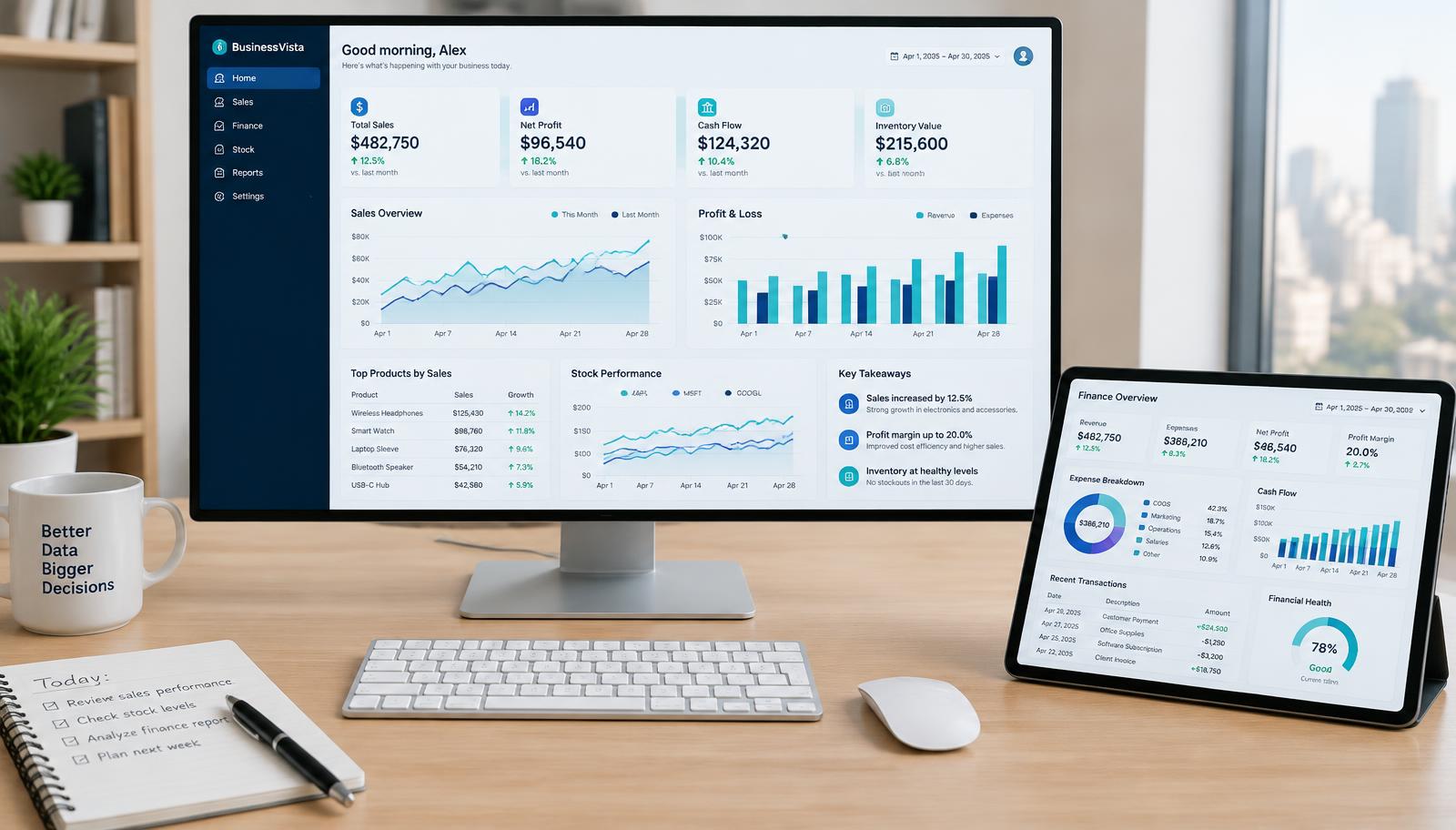
Search for Power BI dashboard examples and you will find a lot of beautiful screenshots that would be no use at all in a real business. Dark backgrounds, twelve gauges, a map nobody asked for. This article takes a different approach. These are eight dashboards we build regularly for UK clients, described in terms of what they show, who opens them and the small design choices that make people keep opening them.
If you are planning your first report, use these as a starting point rather than a template. The best dashboard is always the one built around the decision your team needs to make.
1. Weekly sales performance dashboard
This is the most requested Power BI dashboard example by some distance. The top row shows four numbers: sales this week, the same week last year, progress against target and average order value. Underneath sits a simple trend line of weekly sales over twelve months, then a table of top customers or products with change versus the previous period.
What makes it work is restraint. Sales directors want to know in five seconds whether this week is good or bad, then drill into why. A slicer for region or sales rep and a drill through page for each customer covers almost every follow up question.
2. Monthly management accounts dashboard
Finance teams often spend days each month copying figures from the accounting system into a board pack. A management accounts dashboard connected to Xero, Sage or a ledger export replaces most of that. Typical pages cover profit and loss against budget, a cash position and forecast, aged debtors and gross margin by product line.
The key design choice is matching the layout to how the board already reads the numbers. If they are used to a P&L in a particular order, keep it. Familiar structure builds trust faster than clever visuals. Our guide to Power BI for finance teams goes deeper on this.
3. Operations and stock dashboard
For distributors, manufacturers and retailers, a stock dashboard answers three questions: what are we about to run out of, what is sitting on the shelf too long, and how much cash is tied up in inventory. We usually lead with an exceptions list rather than a chart, because the useful output is a list of items someone needs to act on today.
Conditional formatting does the heavy lifting here. Red for items below reorder level, amber for slow movers, and a sort order that puts the most urgent at the top.
4. Customer service dashboard
Ticket volumes, first response time, resolution time and customer satisfaction scores, broken down by team and by day. The trick is to show the distribution as well as the average. An average response time of two hours can hide a long tail of tickets that waited two days, and those are the ones that cause complaints.
5. HR and people dashboard
Headcount, starters and leavers, absence rates and turnover by department. Many businesses keep this in a spreadsheet maintained by one person, so the first win is simply having one agreed number for headcount. Row level security matters here, so managers only see their own teams. See our HR reporting and analytics guide for the measures worth tracking.
6. Marketing performance dashboard
Spend, leads, cost per lead and, where the CRM allows, revenue by channel. A good marketing dashboard joins ad platform data to sales data so the conversation moves from clicks to customers. We cover a real example of this in our Power BI for marketing case study.
7. Project and job profitability dashboard
Construction firms, agencies and professional services businesses live or die on job margins. This dashboard compares quoted versus actual hours and costs for each job, flags work that is drifting over budget, and shows profitability by client and by job type. It is often the dashboard that pays for the whole project, because it exposes the work that has been quietly losing money.
8. Executive one page summary
A single page with the six to eight numbers the leadership team cares about most, each linking through to the detailed dashboards above. It is tempting to build this first, but it usually works best built last, once the underlying reports are trusted.
What the good examples have in common
- They answer a specific question for a specific person.
- The most important number sits top left, where the eye lands first.
- They compare against something: target, last year or last period.
- They use a light, clean layout with consistent colours that mean the same thing on every page.
- They refresh automatically, so nobody has to rebuild them each week.
That last point is easy to underestimate. A dashboard that needs a person to paste in data every Monday will be out of date by Wednesday. The value comes from a solid data model underneath, not from the charts on top.
Turning an example into your own dashboard
Pick the one example closest to the decision your business makes most often, and start there. One trusted dashboard does more for adoption than five half finished ones. If you would like help building it, our Power BI report development service is designed for exactly this kind of focused, fixed price project, and our dashboard design team can make it look as good as it works.
Frequently asked questions
What should a Power BI dashboard include?
A small number of headline figures compared against a target or prior period, one or two trend visuals, and a detail table or drill through for follow up questions. Everything should relate to one decision.
How many visuals should a Power BI dashboard page have?
As a rule of thumb, six to eight visuals per page. More than that slows the report and makes it harder to read.
Can I get a Power BI dashboard built for a single department?
Yes. Single department dashboards such as sales or finance are the most common starting point and can usually be delivered in one to three weeks.
Want to talk this through with someone?
We are an independent UK Power BI and Microsoft Fabric consultancy. Honest opinions, fair prices, no sales pressure.